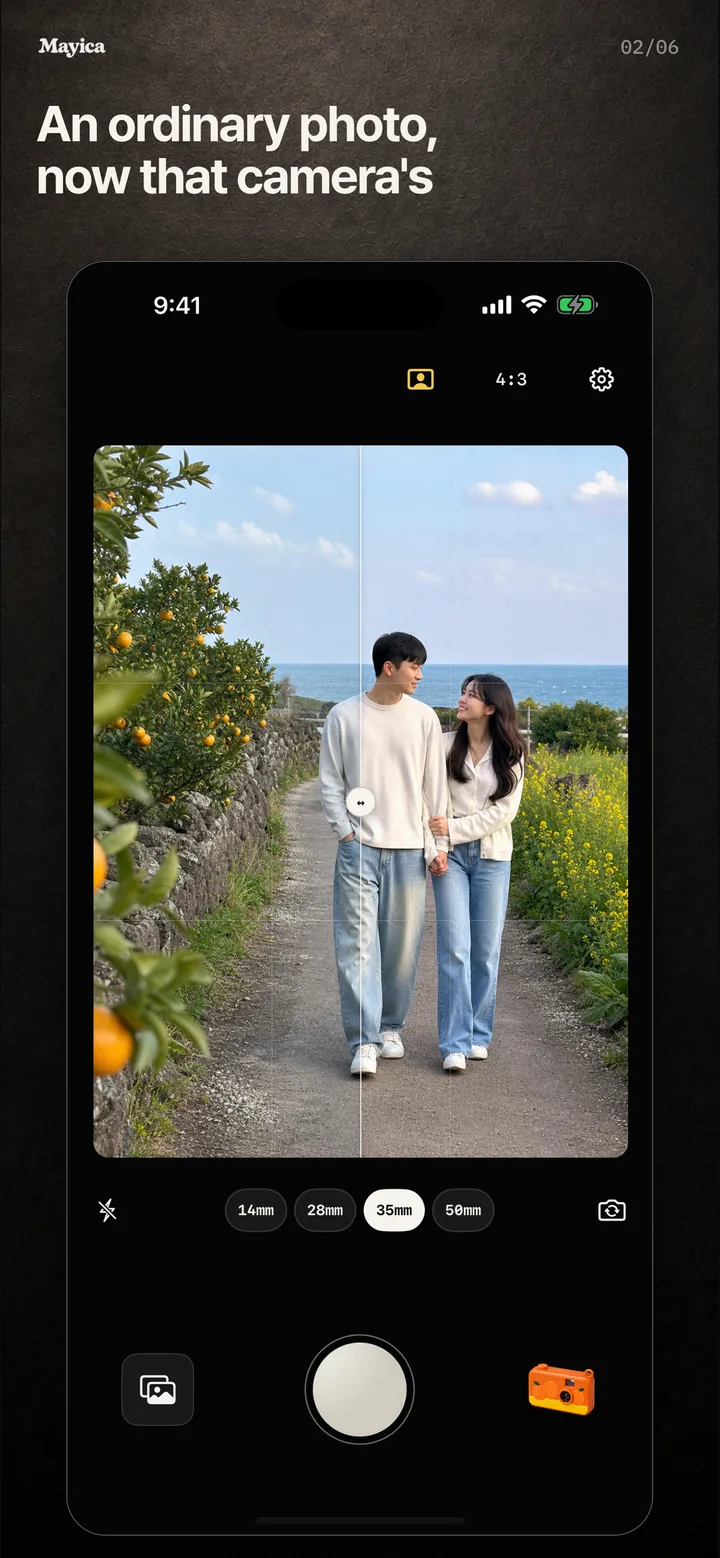
An ordinary photo, now that camera’s
Original on the left, Jeju on the right. The viewfinder stays as it is; only the photo changes.
 KO
KOCamera app for iPhone · Android
Photos of the people we love always look a little better. That thought is where Mayica started.
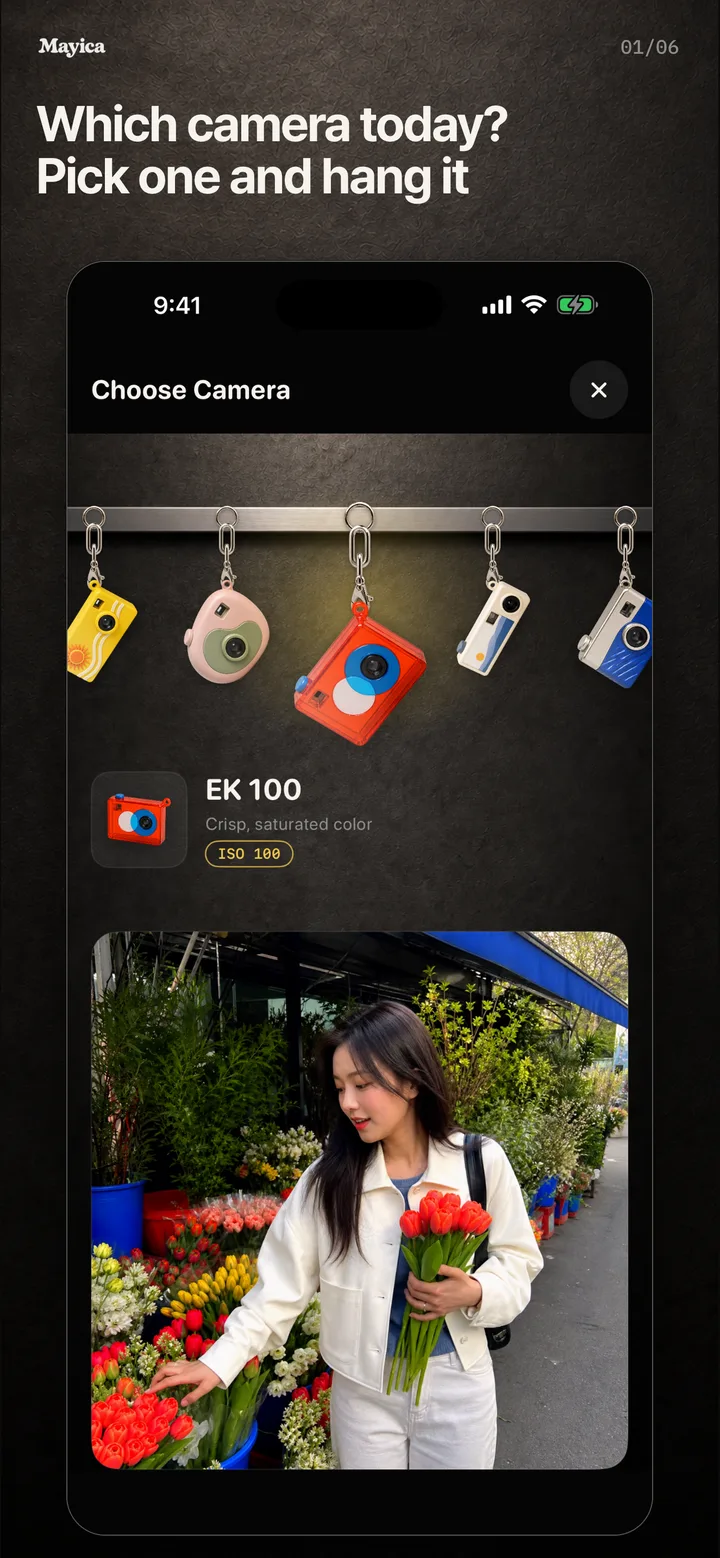
01 · The camera keyring wall
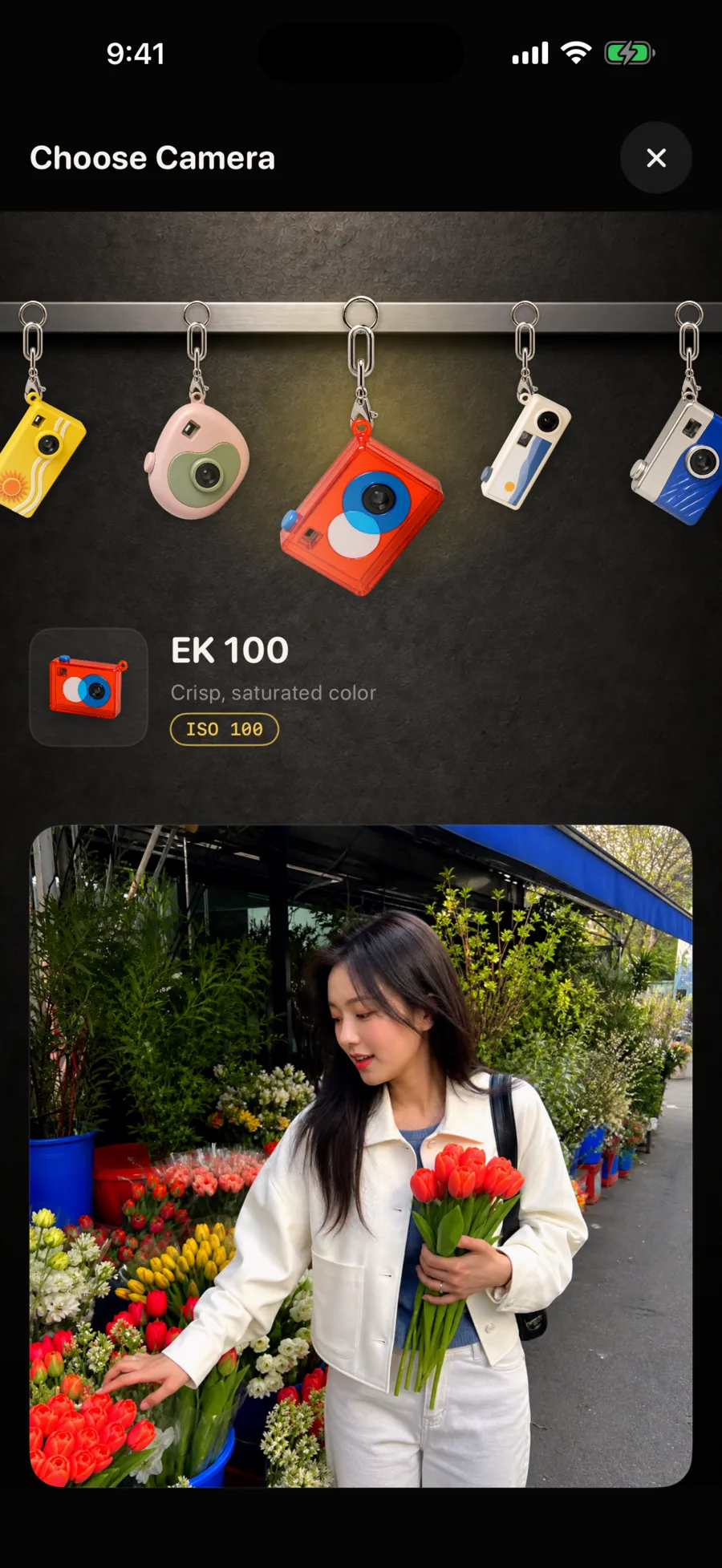
Remember the tiny camera keyring on your bag? Mayica keeps a wall of them. Pick one, hang it by the shutter, and just shoot. Tilt your phone and it swings. Press the shutter and the photo takes on that camera’s color and grain.
The viewfinder shows the scene exactly as it is. The camera’s look lands on the photo, not the preview.
02 · Cameras chosen by scene
Every camera on the wall suits a different scene. Choosing is where the shot begins.
Ordinary days, a little warmer. This one is hanging there when you first open the app.
Crisp, saturated color for bright days.
Cool nights, red halation.
Only light and shadow, from fine to dense.
More cameras hang on the wall. Their names are inspired by real films and cameras, but their colors are not copies.

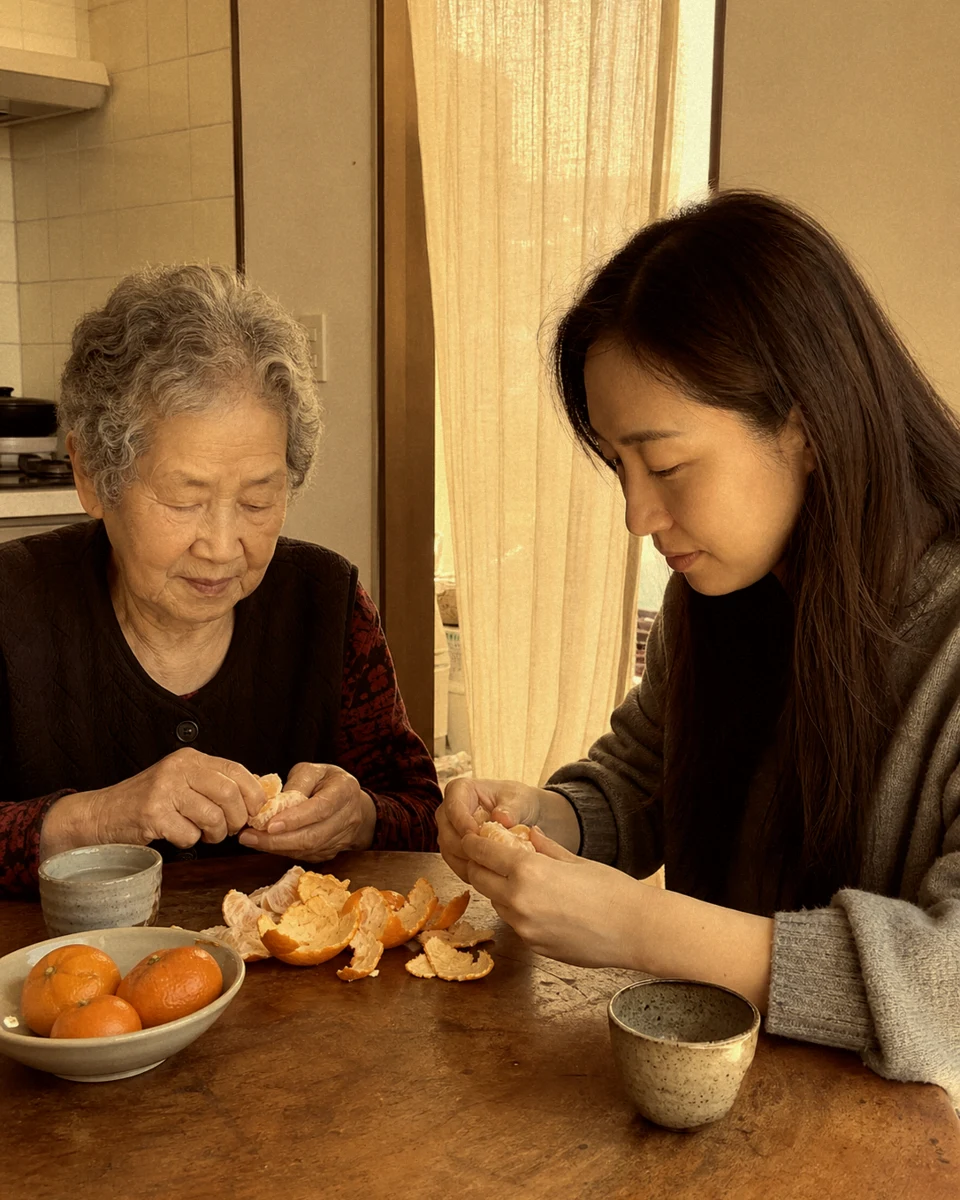


JejuCreamy sunlight, citrus color, deep greens
Tap a camera to see its result.
03 · Shooting is simple
Pick a lens, swipe for exposure and the aperture effect, then check the shot right away. These are the six frames from the store.
Original on the left, Jeju on the right. The viewfinder stays as it is; only the photo changes.
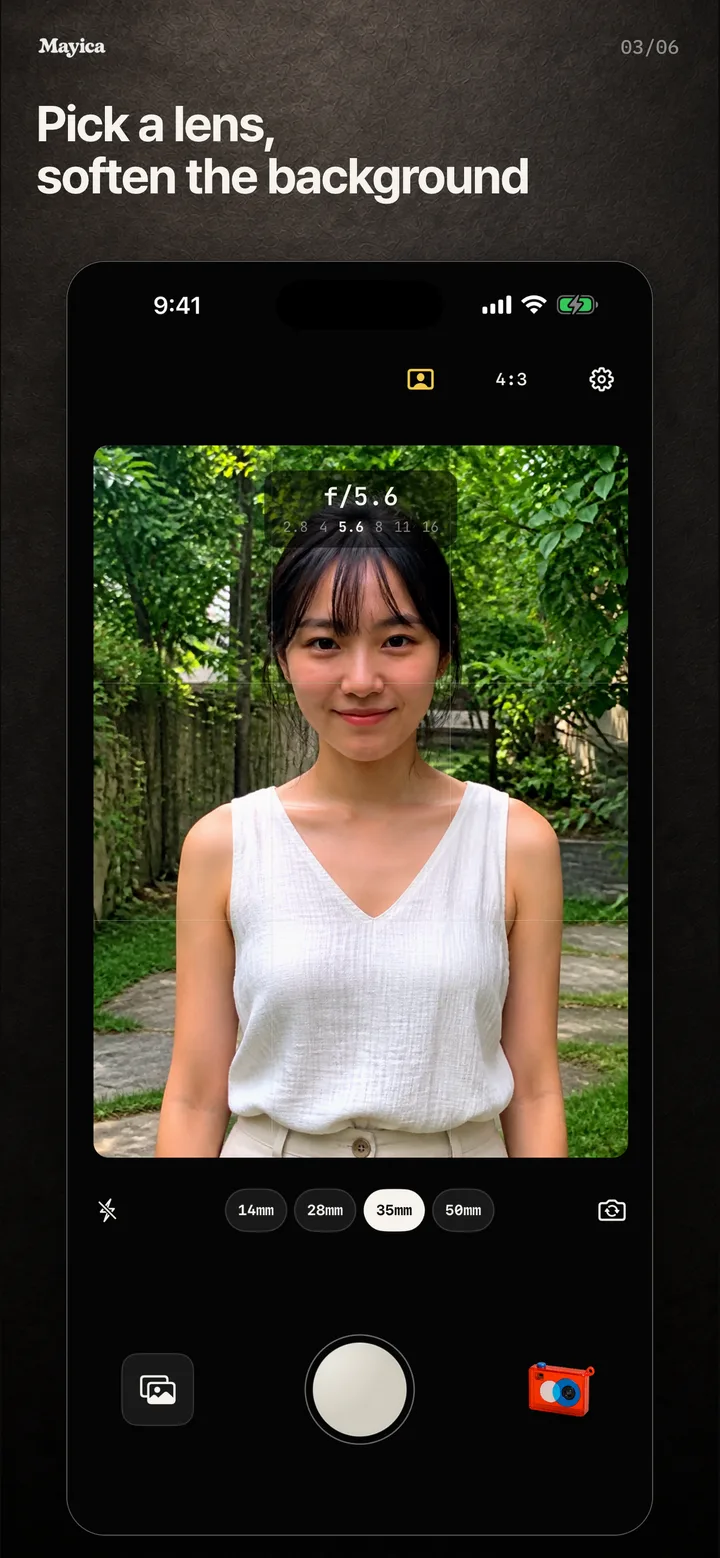
Choose 14, 28, 35, or 50 mm, then swipe sideways for the aperture effect.
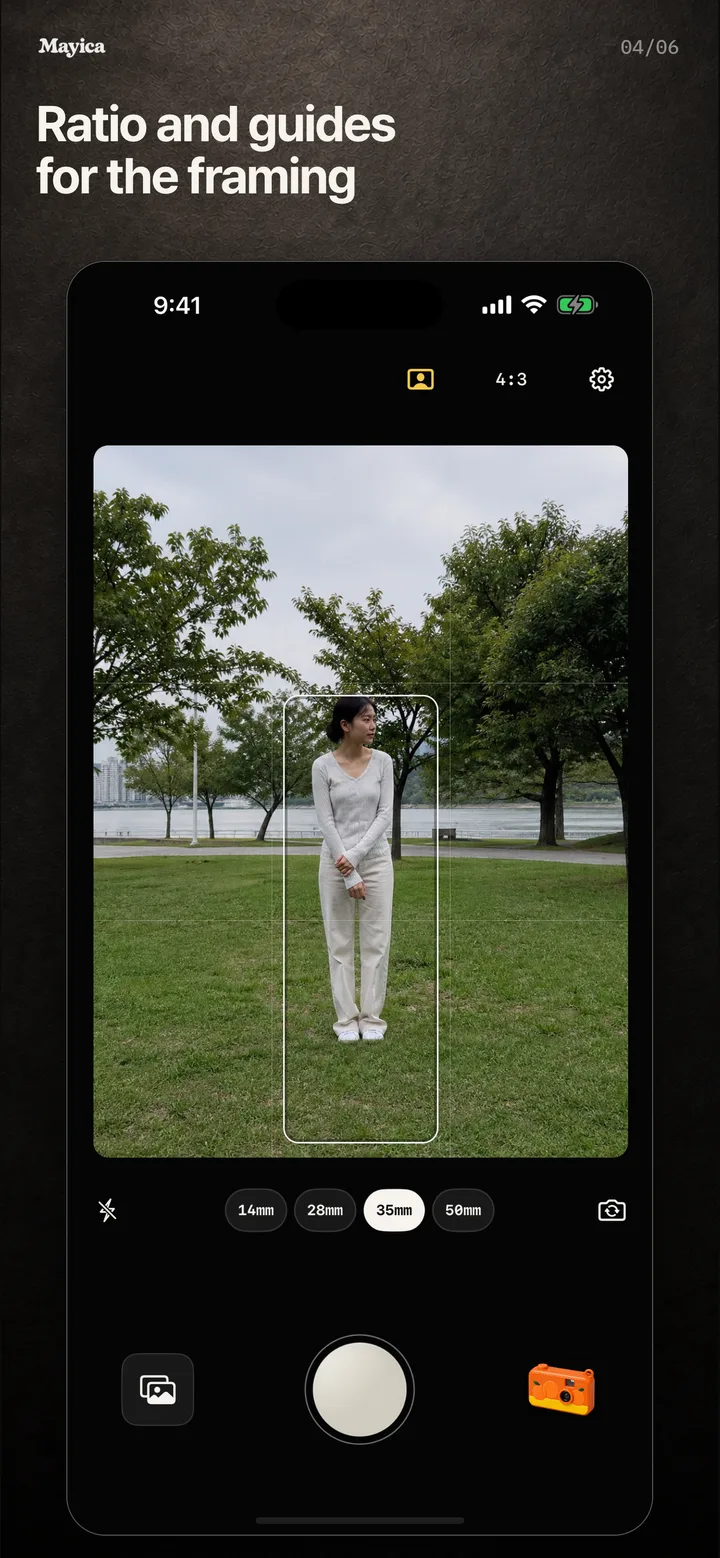
4:3, 16:9, 1:1, a grid, a level, and portrait composition guides.
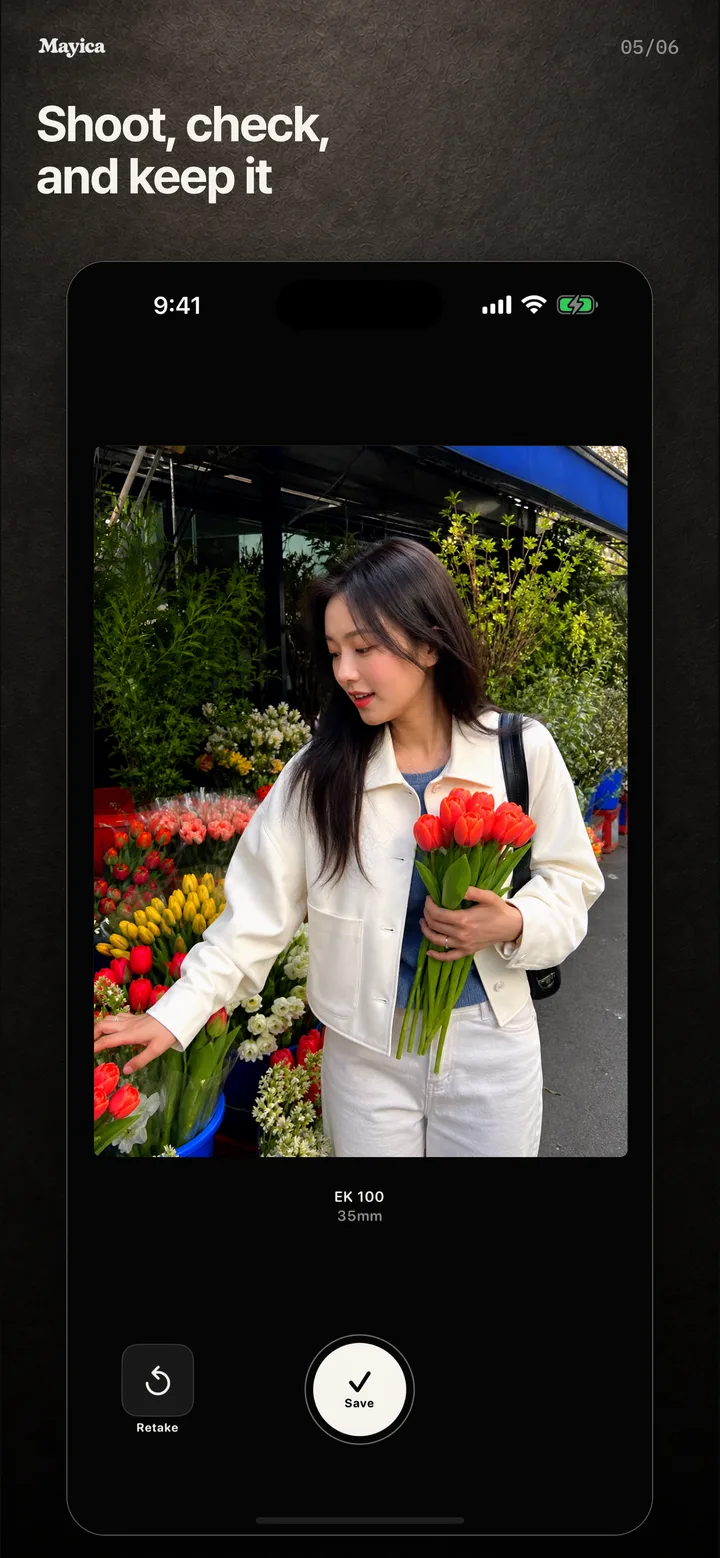
Save or retake, and keep the original too if you like.
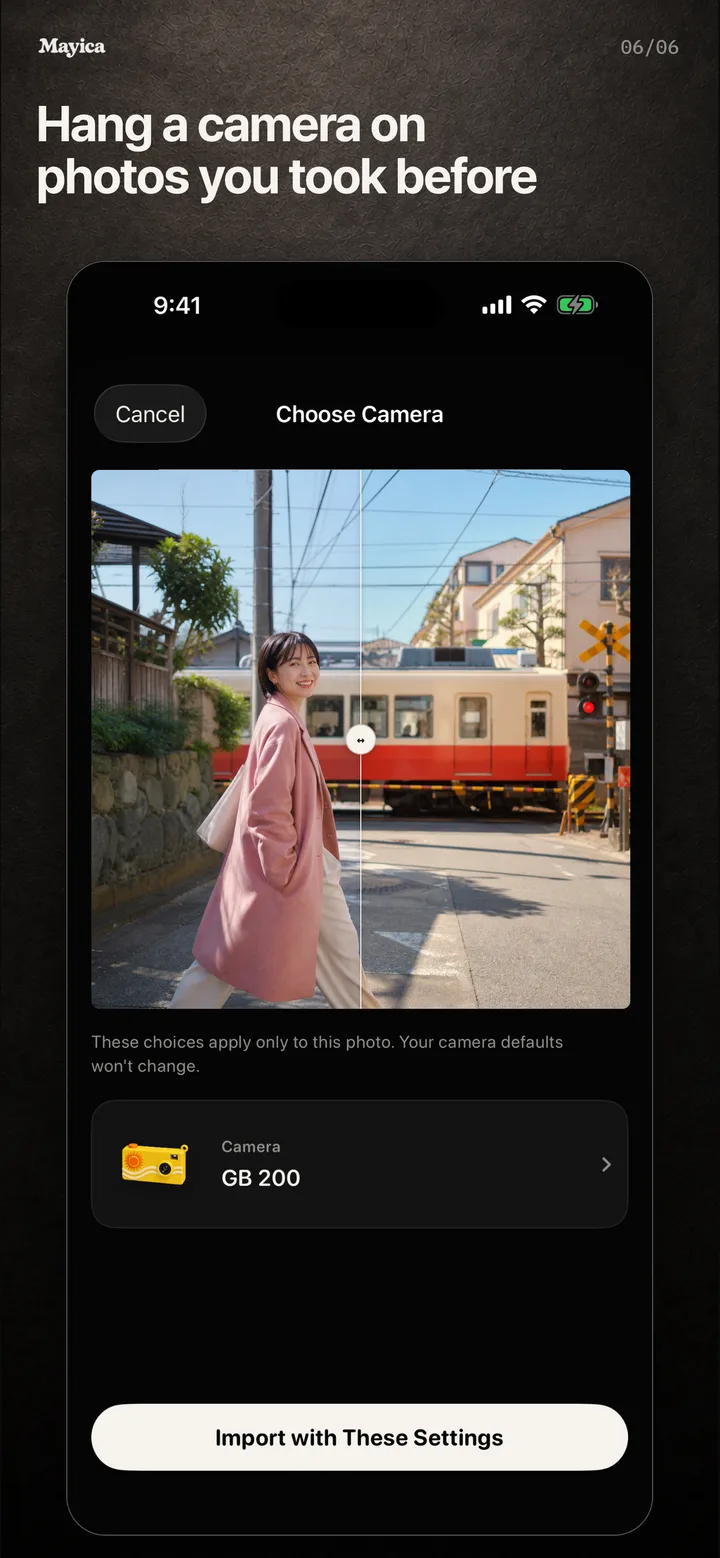
Import from your library or a share sheet and give the photo a camera’s look. Mayica PRO.
04 · For you if
On your device
No account, no sign-in. Photos and location never leave your device. For ad measurement, Singular processes app launches and sessions plus limited device and network information.
Camera names are inspired by real films and cameras, but their colors are not copies.
Shooting and every camera stay free. Some cameras add a small Mayica mark below the photo on free saves; the camera picker shows which ones.
Mayica PRO is an auto-renewing annual subscription. It removes the watermark when you save or share, and gives imported photos any camera’s look. The price is shown in the app before you buy, and you can manage or cancel anytime from Settings.
Get it
For iPhone and Android. No account; open it and shoot.
The App Store page opens once review is complete.